
Global Peace JFT Mock Test App
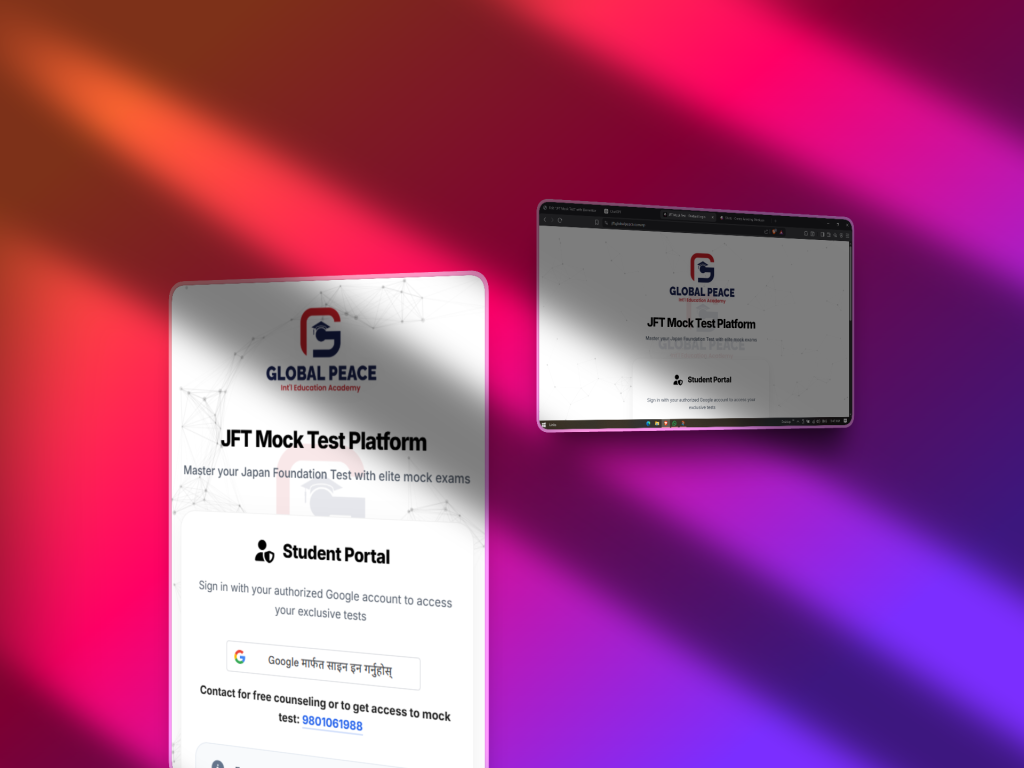
To help students prepare effectively for the JFT exams, we have created the JFT Mock Test App. This app includes a comprehensive collection of mock tests designed based on feedback from students who have previously taken the exam. The questions are carefully structured to reflect the real exam pattern and difficulty level.
A web version of the app is also available for students who prefer to practice on a PC. Additionally, the iPhone version will be released soon. Please read the guide below to learn how to use or download the app.
For Android
For Android users, please scroll below and click on the download button to install the app. The app will soon be available on the Google Play Store, and we will notify you once it is officially published.
Until then, you can install the app manually by downloading the APK file. After downloading, open the file and allow installation from Unknown Sources if prompted. To enable this:
Go to Settings on your phone.
Tap on Security or Privacy (depending on your device).
Enable Install Unknown Apps or Allow from this source for your browser or file manager.
Return to the downloaded file and complete the installation.
Once installed, you can start using the JFT Mock Test App immediately.
For IOS
For iOS users, the app is currently not available on the App Store. However, you can still access the web version of the JFT Mock Test through your browser and add it to your home screen for an app-like experience.
To do this:
Open Safari on your iPhone.
Tap the Share icon (the square with an arrow pointing upward).
Scroll down and tap “Add to Home Screen.”
Tap Add in the top-right corner.
The web app will now appear on your home screen and can be used just like a regular app.
For Web
Students who prefer practicing on a computer can use the web version of the JFT Mock Test App.
Simply open your browser and visit:
https://jft.globalpeace.com.np
No installation is required. You can log in and start practicing your mock tests directly from your PC or laptop.
The web version includes all the same mock tests and features available in the mobile app, ensuring a smooth and effective preparation experience.
For the best experience, we recommend using the latest version of Google Chrome, Microsoft Edge, or Safari.
How to Use

To use the JFT Mock Test App, please visit any branch of Global Peace — Itahari, Urlabari, Birtamod, or Damak.
Provide your verified email address to the reception for approval. Once your email is approved, you will receive access to the mock test sets included in the package you selected.
You must log in to the app using the same Google account (email address) that you provided during registration. After logging in, you can access and use the app from anywhere.
Your Go-To App
Features You'll Love
Discover our app designed for ease of use and efficiency. Explore features that simplify your daily tasks, enhance productivity, and enrich your experience. Dive into new possibilities with our intuitive interface.
Smooth JFT Mock Tests
Practice with a clean, user-friendly interface designed for a real exam-like experience.
All Notices in One App
Stay updated with official announcements and important information directly inside the app.
Works on Any Device
Accessible on Android, iOS (via web app), and PC, so you can practice anytime, anywhere.